QR Menu vs PDF Menu: Which is Right for Your Restaurant?
A comprehensive comparison of interactive QR menus and static PDF menus. Discover why forward-thinking restaurants are making the switch.
Choose an interactive QR menu over a PDF menu for real-time updates, mobile-first design, built-in allergen filtering, multilingual support, and analytics tracking, while PDF menus remain static, hard to navigate on phones, and offer no search or filtering capabilities.
The Great Menu Debate
When COVID-19 accelerated the adoption of contactless menus, many restaurants rushed to create PDF versions of their paper menus. While this was a quick fix, the limitations of PDF menus quickly became apparent. Let's break down the key differences.
The User Experience
PDF Menus
- Requires downloading or waiting for a large file to load
- Difficult to navigate on mobile screens – constant pinching and zooming
- No search or filter functionality
- Static images (if any) that can't be optimized for different devices
Interactive QR Menus (Makvali)
- Instant loading with optimized web technology
- Designed mobile-first – perfect display on any screen size
- Search, filter by category, dietary requirements, or allergens
- High-quality, responsive images that adapt to each device
Operational Efficiency
Updating Your Menu
With PDF: Make changes in design software → Export new PDF → Upload to hosting → Update QR code link (maybe) → Hope customers clear their cache
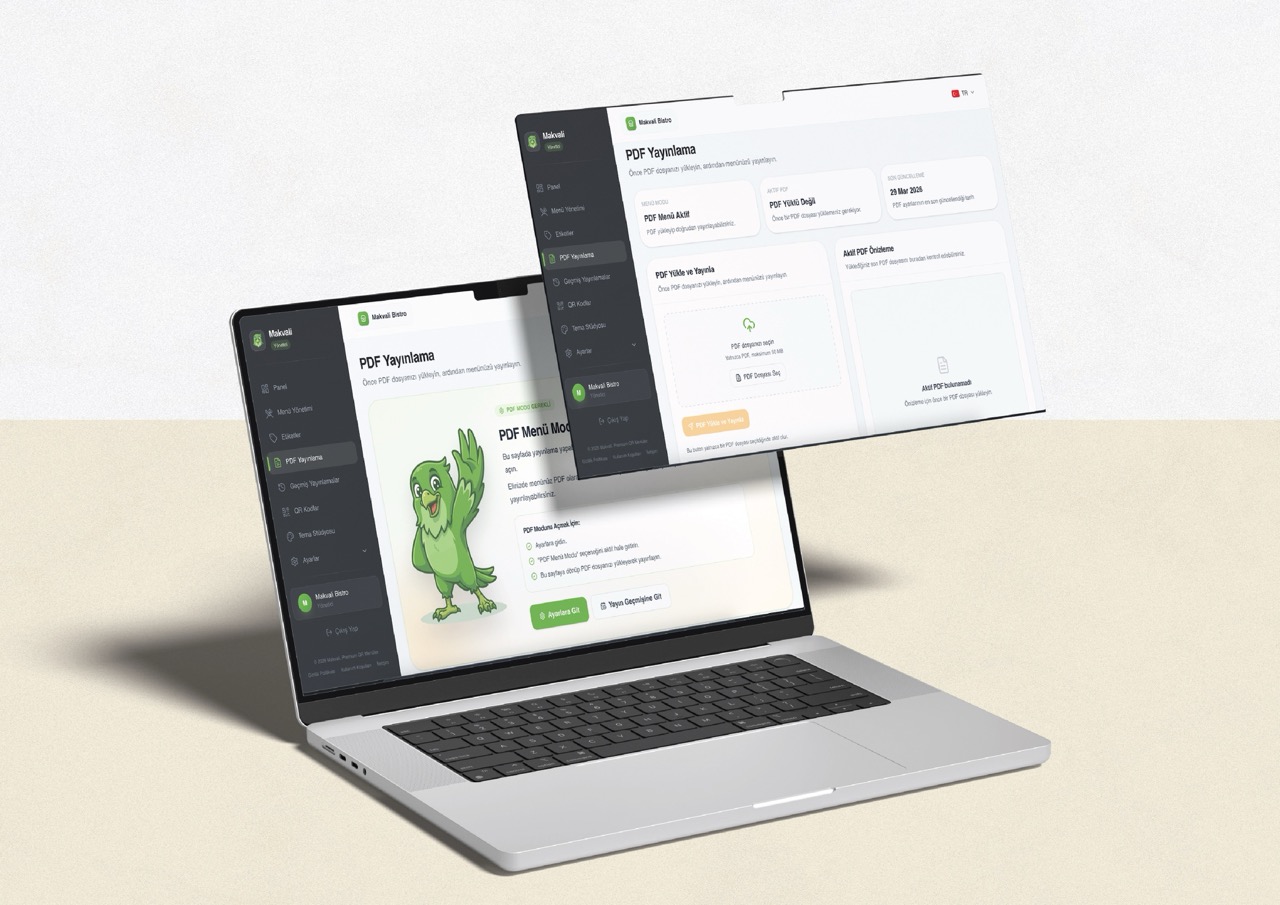
With Makvali: Log in → Make change → Save → Customers see updated menu immediately
Real-World Scenario
It's Friday evening, and you've just sold out of your signature lamb shank. With a PDF menu, customers will keep ordering it, only to be told "sorry, we're out" – frustrating for them and embarrassing for staff. With Makvali, you click one button to mark it unavailable, and it disappears from the menu instantly.
The Cost Breakdown
| Factor | PDF Menu | Interactive QR Menu |
|---|---|---|
| Initial Setup | Low (if you have design skills) | Low (template-based) |
| Updates | Time-consuming, requires skills | Instant, no skills needed |
| Analytics | None | Full tracking and insights |
| Multi-language | Separate PDF for each language | Built-in, automatic switching |
The Verdict
PDF menus made sense as an emergency solution. But for any restaurant looking to provide a premium customer experience, reduce operational headaches, and gain valuable business insights, an interactive QR menu platform like Makvali is the clear winner.
Why the gap gets wider in the new transparency phase
As menu transparency expectations grow, the difference between QR and PDF becomes even more operationally important. For the compliance angle, continue with the Detailed Menu Requirement Guide and the Legally Compliant QR Menu article.
The question isn't whether you can afford to switch – it's whether you can afford not to.
Related guides
- How to Create a Free QR Menu — Step-by-step QR menu setup guide
- Perfect Digital Menu Creation Guide — Menu design and content strategy