How Should Menu Images Look?
Good menu images should look real, load fast on mobile, and make the dish easy to understand in a few seconds. Heavy or inconsistent images hurt both conversion and the guest experience.
Menu images should be clear, realistic, mobile-friendly, and lightweight. Guests decide very quickly, so the best photos are the ones that show the dish honestly, avoid visual clutter, and do not slow the menu down.
Why menu images matter more than most teams think
Guests do not study a menu image for minutes. They scan quickly, compare quickly, and decide quickly. A strong image helps the guest understand the dish in seconds. A weak image creates doubt, slows the decision, and sometimes makes a good product look average.
The best menu photos are realistic, not theatrical
Restaurant images do not need to look like luxury advertising campaigns. They need to look appetizing, trustworthy, and easy to read on a phone. When the food in the photo looks too edited or too different from the real plate, guest trust drops.
What good menu images usually have in common
- Clear focus: The guest should immediately understand what the product is.
- Balanced light: Avoid dark images that hide texture and color.
- Clean framing: Cut distracting background details.
- Consistent style: Similar lighting and crop across the menu looks more professional.
- Reasonable file size: Fast loading matters as much as visual quality.
What to avoid
- Huge original files: They make the mobile menu feel slow.
- Over-filtered visuals: Strong filters often damage food credibility.
- Busy backgrounds: The plate should be the star.
- Mixed quality levels: One polished image next to one blurry screenshot lowers the whole menu.
How Makvali helps with image optimization
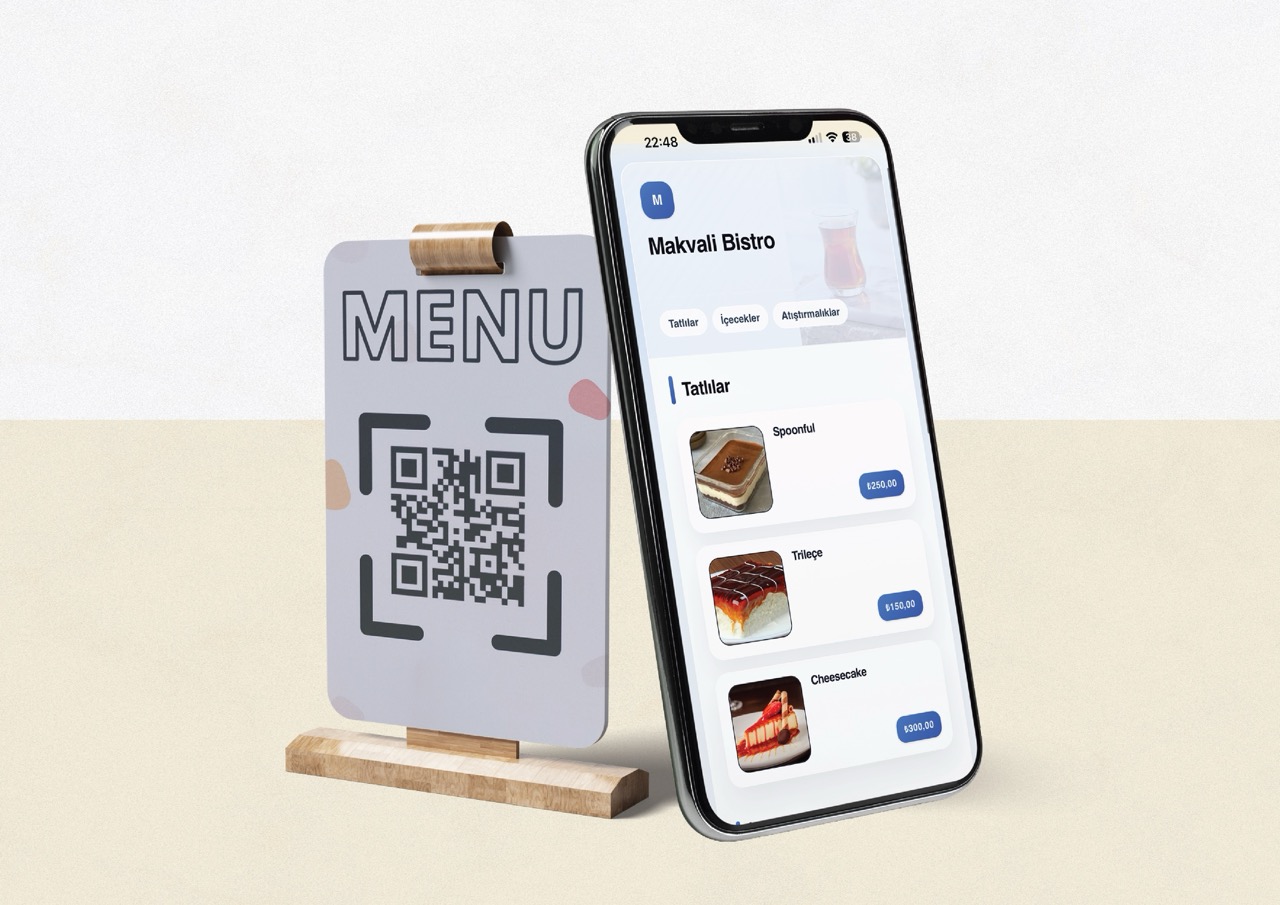
When you upload supported formats such as JPEG, PNG, WebP, or BMP, Makvali tries to prepare a lighter web-friendly result during upload. If that optimization would not improve the file, the original is kept. Modern formats such as AVIF are also accepted. In practice, this means you should still upload sensible image sizes, and Makvali will do its best to keep delivery efficient for the guest.
The practical rule
Use smaller, cleaner, and more consistent product images. The goal is not to chase the biggest file or the most aggressive edit. The goal is to help the guest say, "I understand this dish, it looks good, and the menu feels fast."
Implementation Flow
Use clear and honest photos
Show the real dish with balanced light, clean framing, and a crop that focuses on the product instead of the background.
Keep a consistent visual style
If one image is warm, bright, and close-up, the rest of the menu should not suddenly look dark, far away, or heavily filtered.
Upload lighter files
Large originals slow down mobile browsing. Resize and clean the image before upload whenever possible.
Let the platform help
Makvali tries to optimize supported image uploads for the web during upload, and keeps the original when that optimization would not improve the result.
Frequently Asked Questions on This Topic
Can I use photos taken on a phone?+
Yes, if the light is good, the frame is clean, and the image is exported in a reasonable size. Many restaurants get strong results from well-shot phone images.
Should every menu item have an image?+
Not necessarily. Prioritize flagship items, high-margin products, and dishes that benefit most from visual explanation.
Why should I avoid very large image files?+
Because guests scan QR menus on phones. Heavy files make the menu feel slow, especially on weaker connections.